
DConverter | Developer Tools
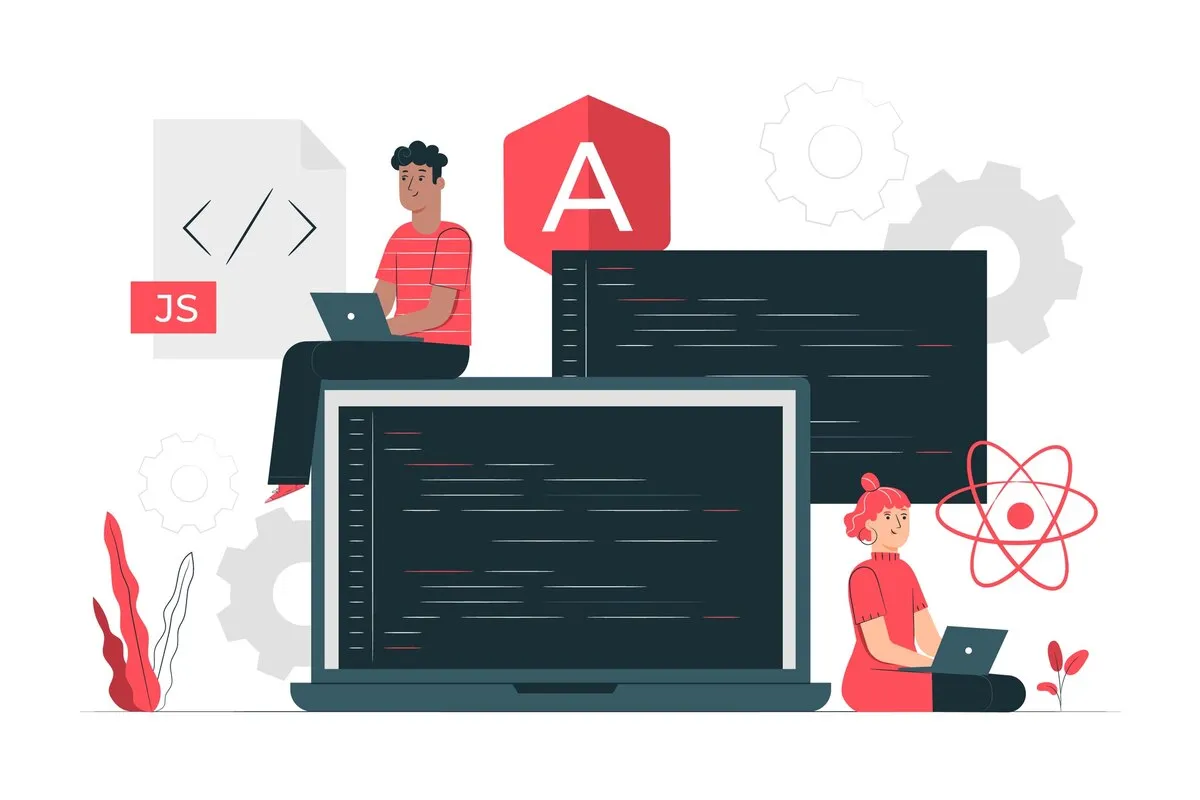
One tool that coders often use to prepare their JavaScript code is the Dconverter JavaScript formatter. When writing code in JavaScript, a formatter reduces the number of blank lines, minimizes data size, and generally improves code style for the end user.
JavaScript is a high-level, dynamic, and interpreted programming language widely used to create web applications. Initially developed to add interactivity to web pages, it has evolved into a versatile language for both frontend and backend development.
As you work on large projects, JavaScript code can become messy and difficult to read. Tools like the JavaScript formatter are invaluable for organizing and beautifying your code. A JavaScript beautifier tool applies a set of predefined rules to format your code, making it easier to read and understand.
The JavaScript formatter works by applying styling rules to your code, such as indentation, capitalization, and spacing. The JavaScript formatter also supports advanced features like internationalization, working with Collator, NumberFormat, and DateTimeFormat to ensure proper formatting of dates, numbers, and strings.
The JavaScript Formatter is integral to web development, helping developers write clean, consistent, and readable code. Whether you're a beginner or an experienced coder, this tool will become an essential part of your toolkit.
Explore more formatting tools:
© 2026 dconverter.org. All Rights Reserved.