Demystifying YAML To JSON Converter: A Step-by-step Guide
DConverter |
Developer Tools
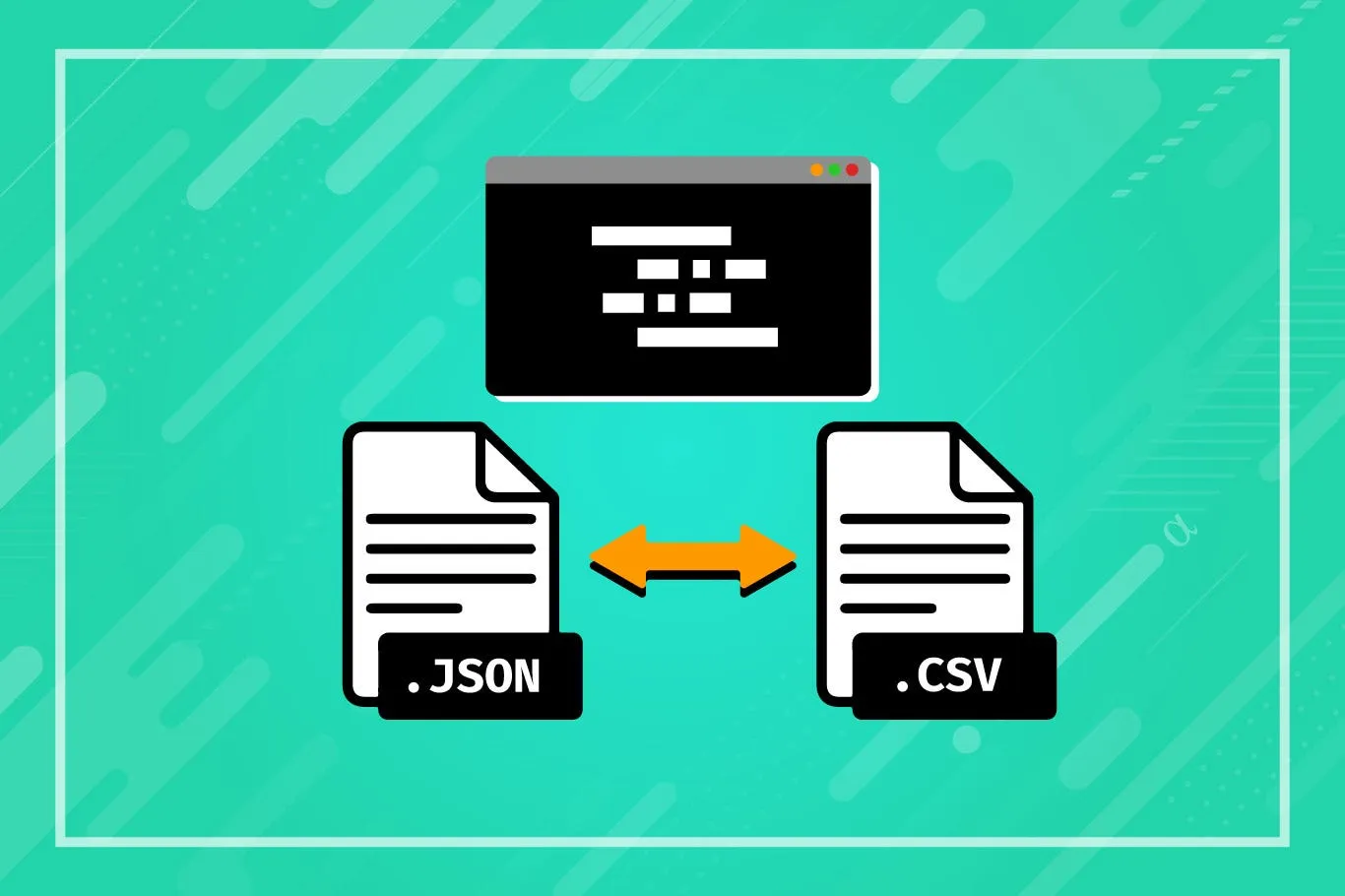
Discover how our YAML to JSON Converter Tool simplifies converting YAML data to JSON format. Perfect for developers and data enthusiasts, our tool ensures quick and accurate conversions with an intuitive interface.
Pros and Cons
Pros
- Easy-to-use interface
- Quick and accurate conversion
- Copy to clipboard functionality
Cons
- Limited to converting YAML to JSON
- No support for converting JSON to YAML
- Requires internet connection to access
What Is YAML?
YAML is a human-readable data serialization language used in configuration files and application settings.
What Is JSON?
JSON (JavaScript Object Notation) is a lightweight data interchange format widely used in web applications.
How Do You Use our YAML To JSON Converter?
- Input YAML Data: Copy and paste your YAML data into the YAML Input text box.
- Start the Conversion: Click the "Convert to JSON" button to initiate the conversion process.
- View JSON Output: The converted JSON output will appear in the JSON Output text area.
- Copy JSON Output: Use the "Copy to Clipboard" button to easily copy the JSON output for use in other applications.
What Does The YAML To JSON Converter Do?
The YAML to JSON converter by Dconverter converts YAML data into JSON format while preserving structure and integrity.
Features Of YAML To JSON Converter
- Clean and straightforward interface for easy navigation and file conversion.
- Supports copy and paste of YAML data directly into the tool.
- Provides quick and effective conversion with instant display of JSON output.
- Includes a "Copy to Clipboard" button for convenient copying of the converted JSON data.
- Ensures correct conversion maintaining the structure and integrity of the input YAML data.
- Responsive design for seamless usage across different devices and screen sizes.
- Free to use online tool with no restrictions or fees.
Conclusion
The YAML to JSON Converter Tool simplifies the conversion of YAML data to JSON format, ensuring accuracy and efficiency. Experience the ease of converting YAML to JSON with our user-friendly tool. Explore other tools such as JSON Formatter, XML Formatter, and YAML Validator for comprehensive data formatting and validation solutions.