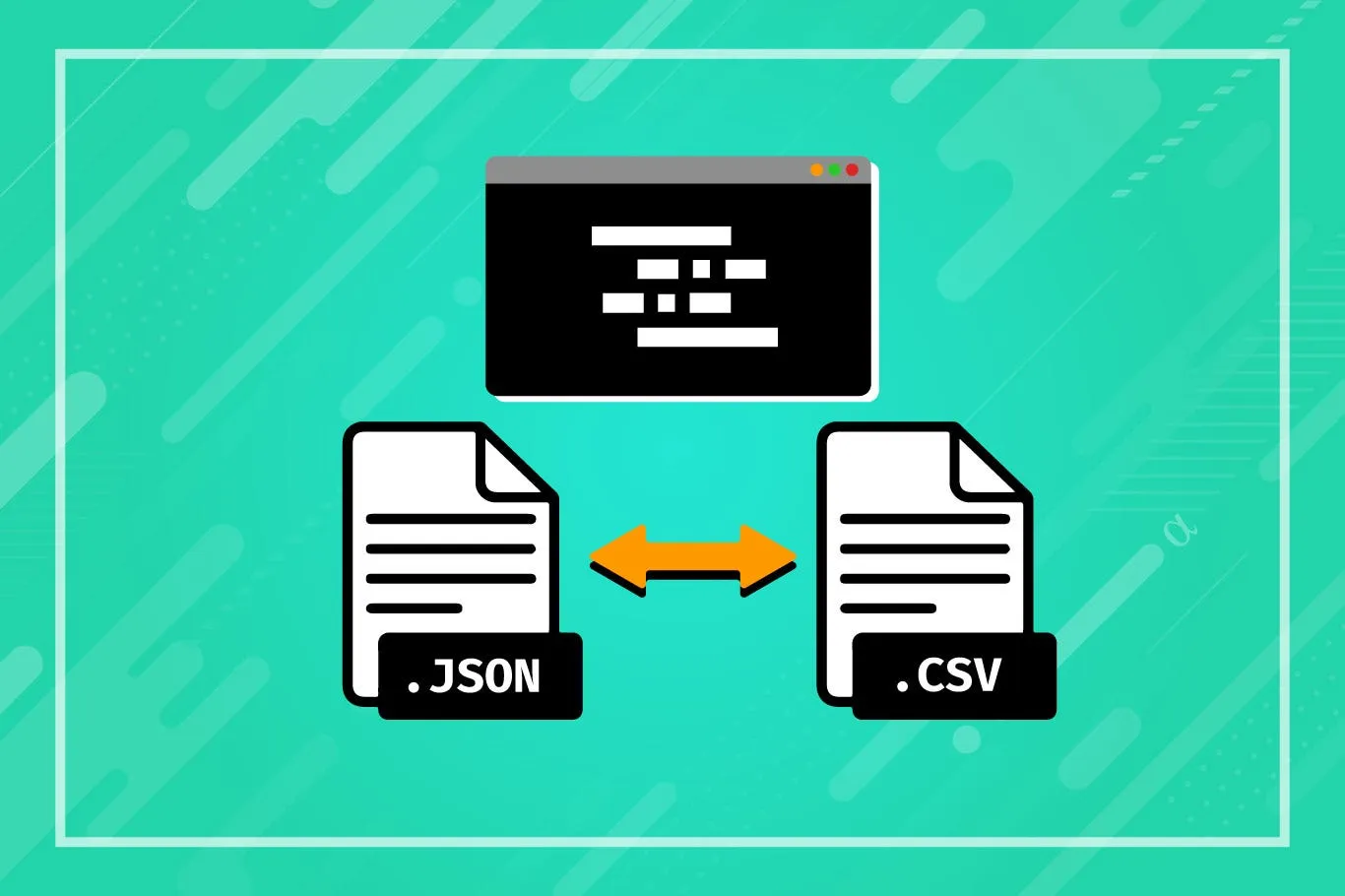
Easy Ways To Change Data- How To Use A JSON To CSV Converter
DConverter |
Developer Tools
Discover how to convert large JSON files into CSV format for easy integration with Excel, Tableau, and other programs. Our tool provides a free online solution for accurate JSON to CSV conversion, making data analysis and reporting straightforward.
Pros and Cons
Pros
- Simplifies data processing
- Compatible with legacy systems
- Smaller file sizes
Cons
- Loss of hierarchical information
- Potential loss of data fidelity
- Requires a converter for analysis
What Is JSON?
JSON (JavaScript Object Notation) is a lightweight data interchange format that's language-independent, commonly used to send data between servers and web applications.
What Is A CSV?
CSV (Comma Separated Values) is a plain text format used to store tabular data, with each record separated by a newline and fields delimited by commas.
How Does Our JSON To CSV Converter Work?
With our JSON to CSV converter, effortlessly transform your JSON data into CSV format:
- Input JSON Data: Paste your JSON data into the provided text box.
- Start Conversion: Click the "Convert to CSV" button to initiate the conversion process.
- Retrieve CSV Output: The converted CSV data will be displayed, ready to be copied or saved.
- Copy Output: Use the "Copy to Clipboard" button for quick copying of the CSV output.
Why Convert From JSON To CSV?
- CSV files are easier to filter, sort, and manipulate compared to JSON files.
- CSV is widely supported by various software and tools, including Excel and BI platforms.
- CSV files are smaller in size, making them easier to share, store, and process.
- CSV format is optimal for displaying data in tabular form, facilitating easier data analysis.
Benefits Of Our JSON To CSV Converter
- Produces straightforward, flat data suitable for easy manipulation in tools like Excel.
- Enables compatibility with older systems that may not support JSON natively.
- Facilitates the import of data into applications requiring standardized CSV format.
- Simplifies the process of viewing and analyzing data in tabular form.
- Supports efficient data cleaning and preparation with CSV's simple structure.
Conclusion
Converting JSON files to CSV format streamlines data processing and analysis. Utilize our free converter to seamlessly transform your JSON data into a format suitable for Excel, Tableau, and other tools. Explore additional tools such as JSON Formatter and CSV to JSON Converter for comprehensive data management solutions.