
DConverter | Developer Tools
When there are too many unnecessary characters in JSON code, it slows down the loading and execution time. To fix this issue, the minification process removes extra spaces, new lines, and comments that computers don't need to read JSON data efficiently.
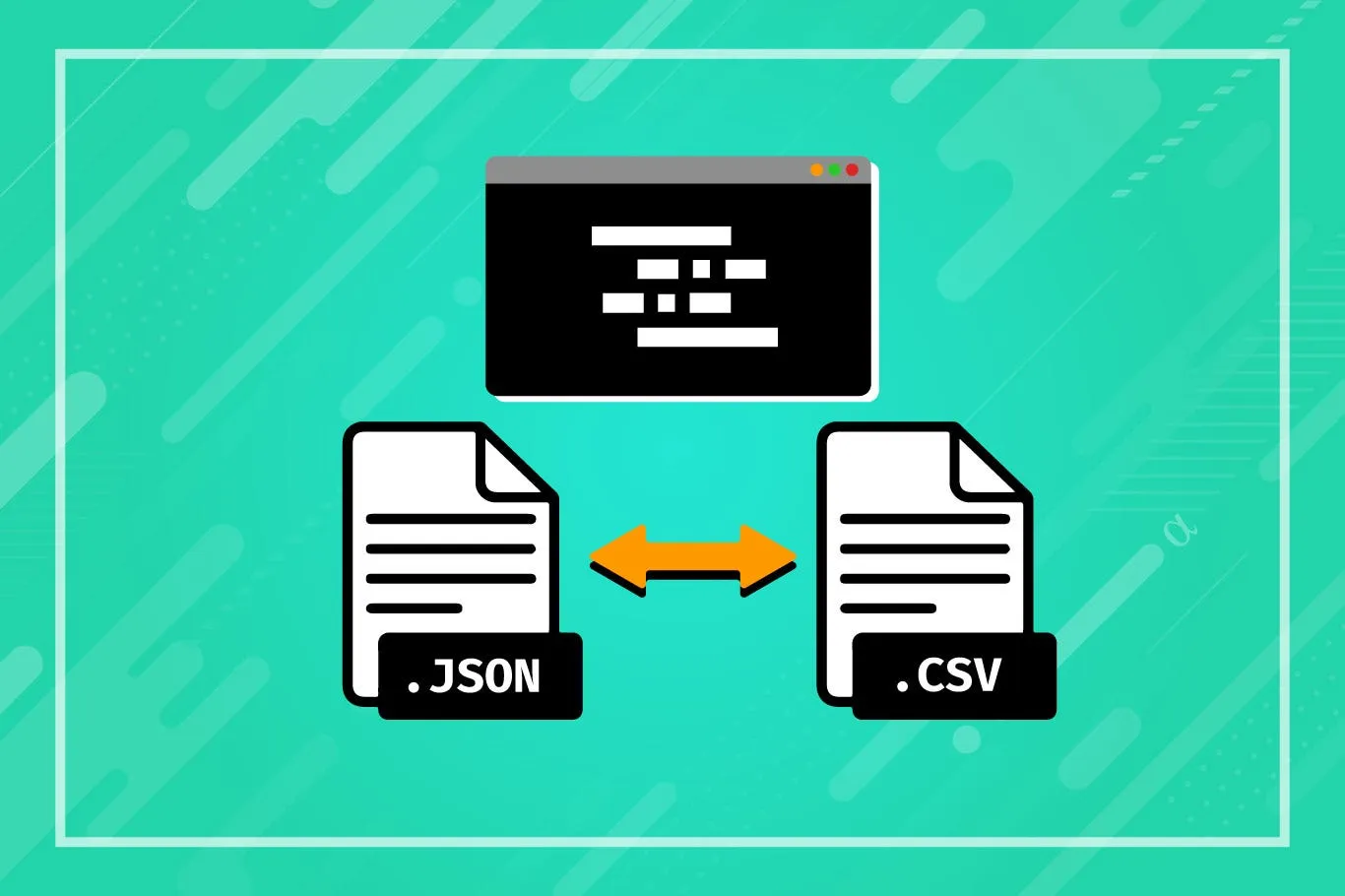
JSON Minification allows you to reduce the size of JSON files without altering the unique structure and functionality of your JSON code.
JSON (JavaScript Object Notation) is an open standard file format widely used for transmitting attribute-value pairs and array data. It is readable by humans and compatible with many programming languages, making it ideal for data exchange.
Optimizing JSON data is crucial in modern web development to enhance website performance. Minifying JSON makes websites load faster, consume less data, and provide a better user experience. Our JSON Minifier Tool is perfect for APIs, mobile apps, and web apps.
Data Size Reduction: Minifying JSON eliminates unnecessary characters like spaces, line breaks, and comments, reducing file size significantly.
Validity Of JSON: Minified JSON retains its validity and can be parsed correctly by JSON parsers after compression.
Lossless Compression: JSON Minification is a lossless compression method, ensuring no data loss during the process.
Performance Advantages: Smaller JSON files result in faster network transfers and improved performance, particularly beneficial for web apps and APIs.
The JSON Minifier Tool offers numerous benefits, including faster data transmission, improved web performance, and error-free minification. Explore more tools: JS Minifier, CSS Minifier, JSON Parser, JSON Viewer.
© 2026 dconverter.org. All Rights Reserved.