
DConverter | Developer Tools
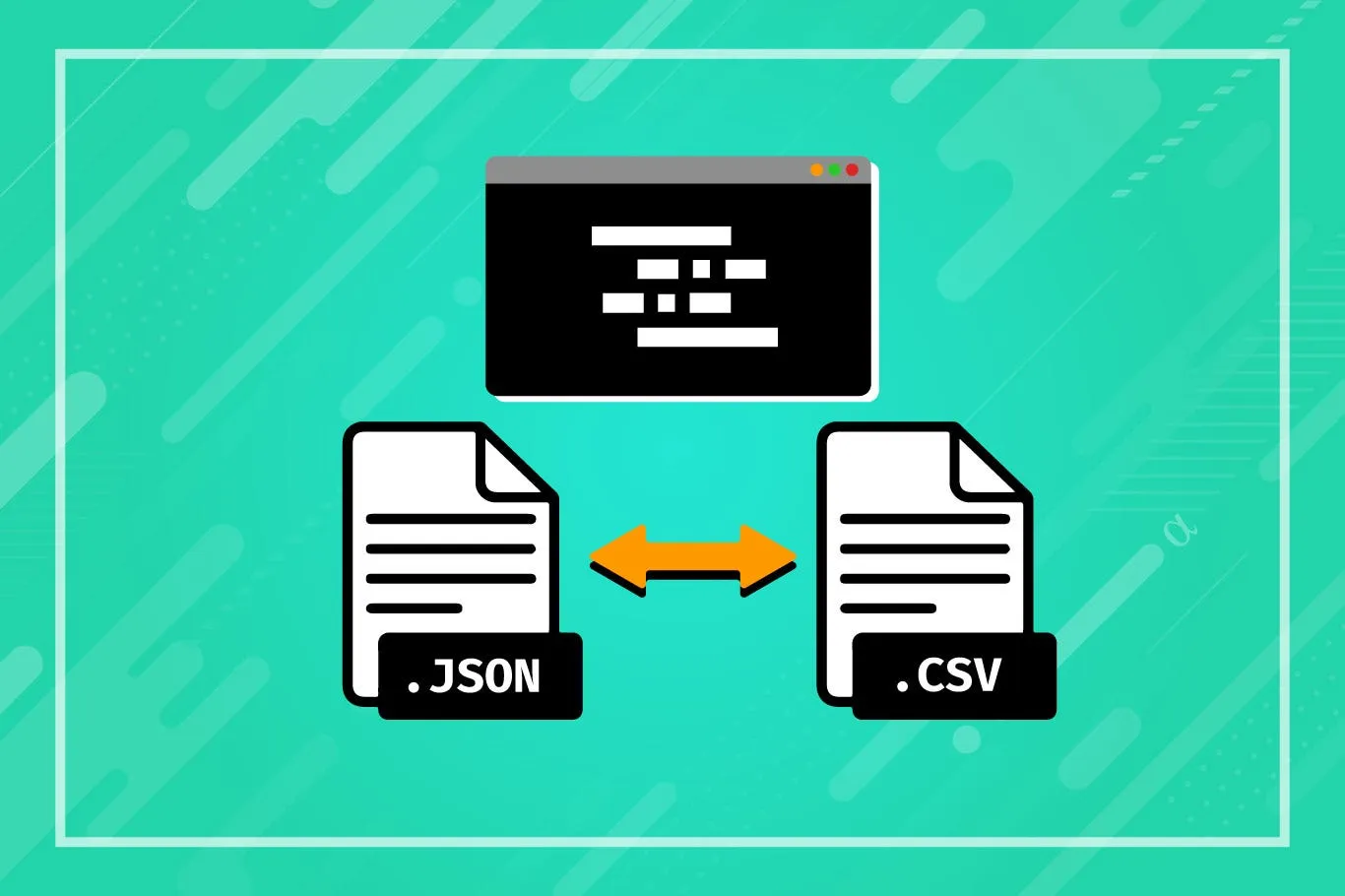
If you have JSON data, a JSON Validator can check it to ensure it has the proper grammar and structure. It checks that the JSON standard is followed, finds grammar mistakes like missing commas or braces, and if a structure is given, it can even check to see if the JSON meets specific structural requirements.
Putting JSON data in the correct order with the proper number of line breaks and indents is what a JSON Formatter does. It often adds color coding for different parts and may have tools like growing and contracting data areas or changing JSON to other formats.
| Pros | Cons |
|---|---|
| Ensures JSON data follows the correct syntax | May not handle all complex schema validations |
| Improves readability of JSON data | Some tools may have limitations on file size |
| Helps identify and fix syntax errors | Dependency on internet connection for online tools |
| Can validate JSON against specific schemas | Offline tools may require installation and setup |
| Provides a quick and easy way to format JSON | Not all tools offer advanced formatting options |
JSON is a straightforward way to send and receive data that is simple for people and computers to read and create. It is a standard way to describe organized data that doesn't rely on the language used. It was derived from JavaScript and is often utilized in web applications to send data between the client and the server.
It can prepare JSON right now. You can type the JSON in the left editor, which will show up in real time in the right editor.
The best thing about this online JSON formatter tool is that it can ensure that the JSON codes its users create are written safely. Your computer is where the magic happens. The hosts don't get any JSON code.
In addition to copy-and-paste, you can use the "Upload" button to send a JSON file saved on your computer, or enter the URL of the resource to get the JSON.
Because this app is on the web, it can be viewed from any device. This tool works fine on Linux, Mac OS X, Android, iOS, and Microsoft Windows devices.
JSON Validators and Formatters are essential for ensuring JSON data is correct, readable, and usable. Validators help keep data safe by ensuring it has the proper grammar and structure. Formatters, on the other hand, make data more accessible to read and handle. Online tools, like Dconverter's Online JSON Validator and Formatter, make it easy and quick for coders to check and style JSON data.
© 2026 dconverter.org. All Rights Reserved.